Built from your answers, live when you publish
What the builder asks, and why nothing goes live until you press Publish.
What the builder asks
There are four steps:
- Your name and your business.
- Your trade and the towns you work in.
- The jobs you take on. The usual ones for your trade are already ticked.
- A few jobs you’ve done, and your logo, a colour and a photo for the top. All of it’s optional.
Add photos of a job and TradeEasy writes it up for you. You check it before it goes in.
The whole thing takes a few minutes.
You see it first
Press Show me my website and TradeEasy builds it straight away. You don’t need an account to see it, and there’s nothing to pay.
If you don’t save it, it’s shown for 7 days and deleted 30 days after you made it. To save it, TradeEasy emails you a link. There’s no password.
Where the words come from
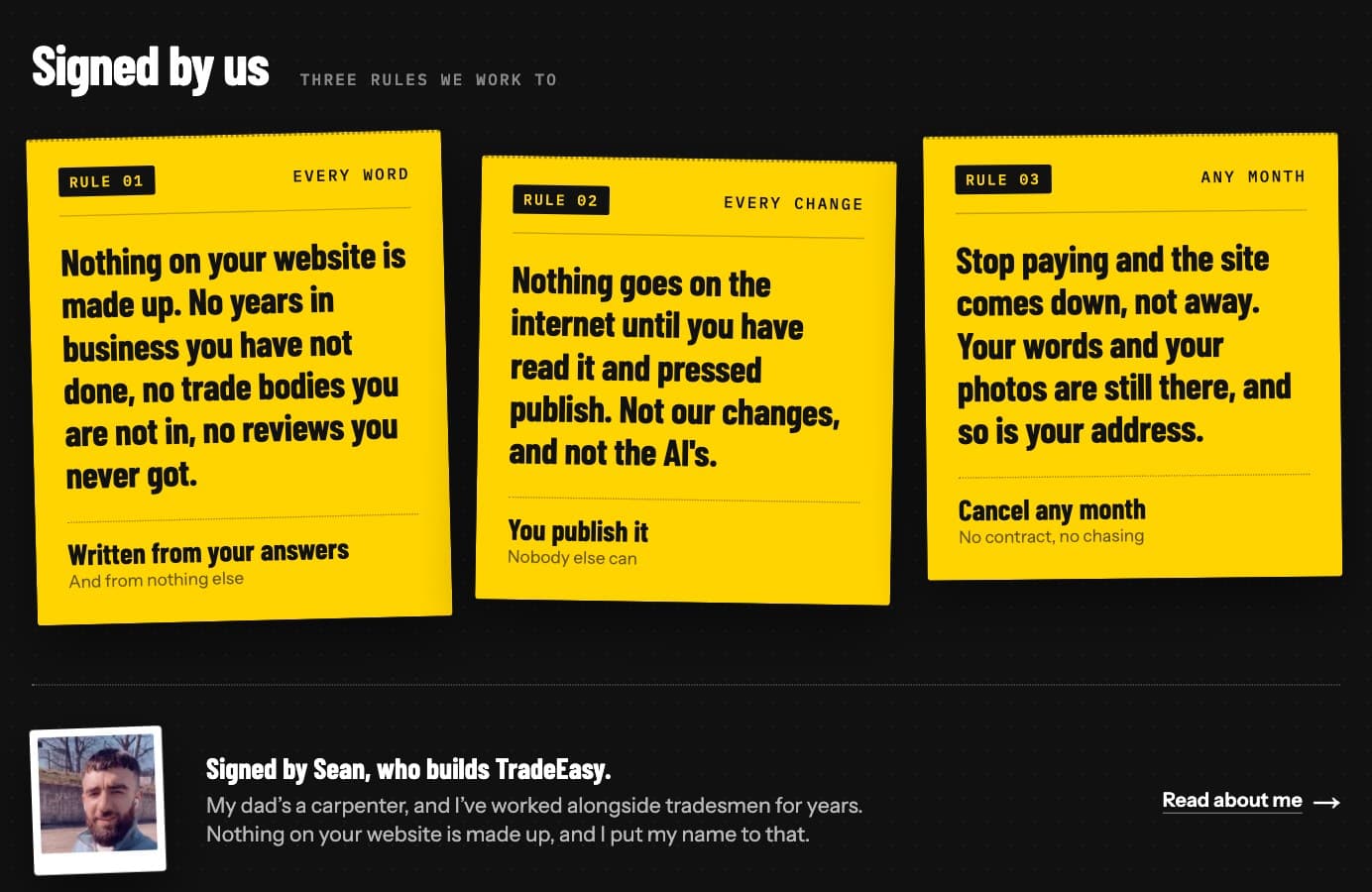
Your website is written from your answers and nothing else.
The AI is told not to make anything up, like years in business, qualifications, reviews or prices you didn’t give it.
Until you add photos of your own work, stock photos of your trade stand in, and they’re never passed off as yours.
AI can still get things wrong, so read it through. You know your business better than I do.
Live when you publish
Every change you make waits as a draft until you press Publish, and the AI never presses it.
The one time your changes go live without a press is the first time you subscribe. Your website goes live with what you’ve got ready, and the editor tells you before you pay.
After that, it’s Publish every time.
If it doesn’t work like this
If anything doesn’t work the way I’ve said here, tell me at help@tradeeasy.uk.
Thanks for reading.